
Understand how keycap height, shape, and typing feel affect your mechanical keyboard build.
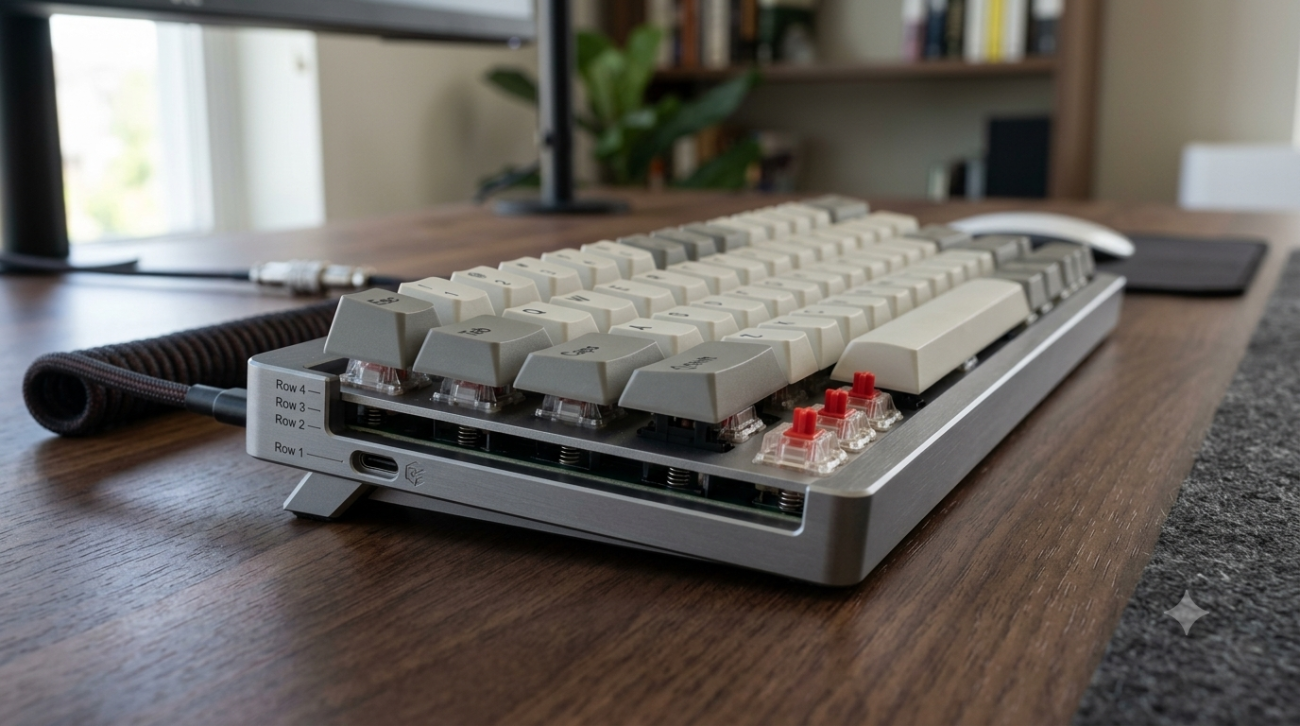
Keycap profile affects the height, shape, typing angle, and overall feel of your keyboard. This guide helps you understand common profiles before choosing a keycap set or custom keycap.
What Is a Keycap Profile?
A keycap profile describes the shape and height of a keycap. Some profiles are lower and flatter, while others are taller and more sculpted. The right profile can change how your keyboard looks, feels, and sounds during daily typing.
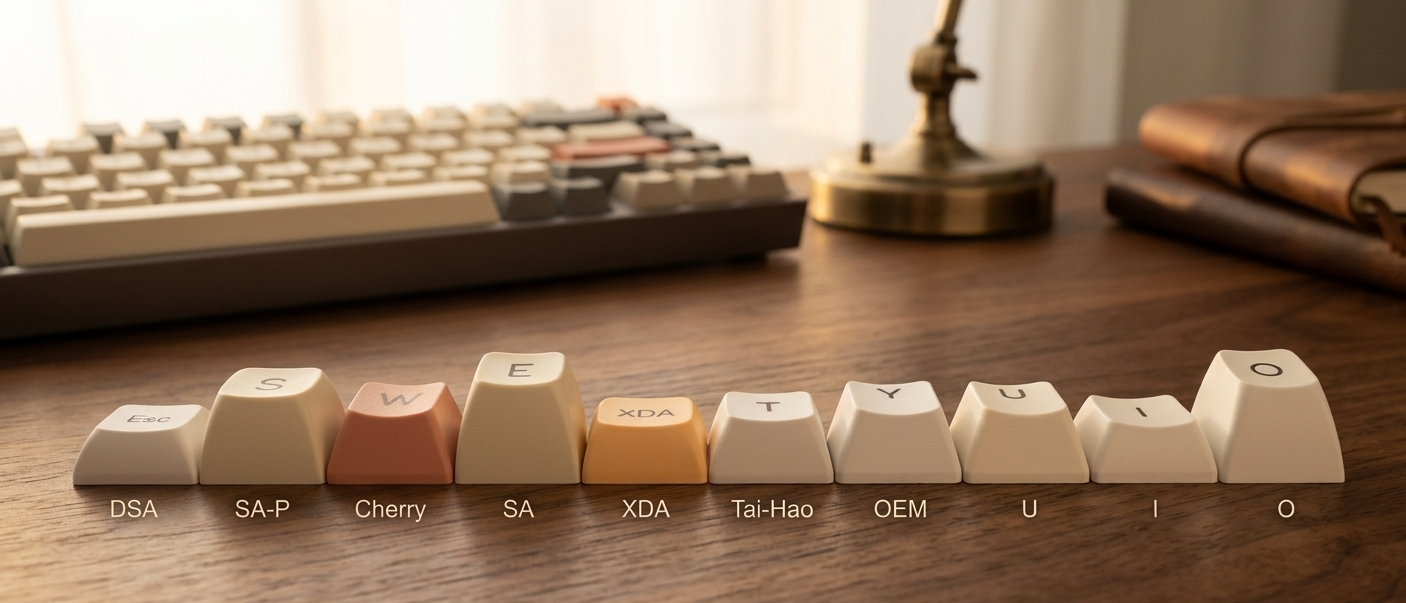
Height
The vertical height of each keycap.
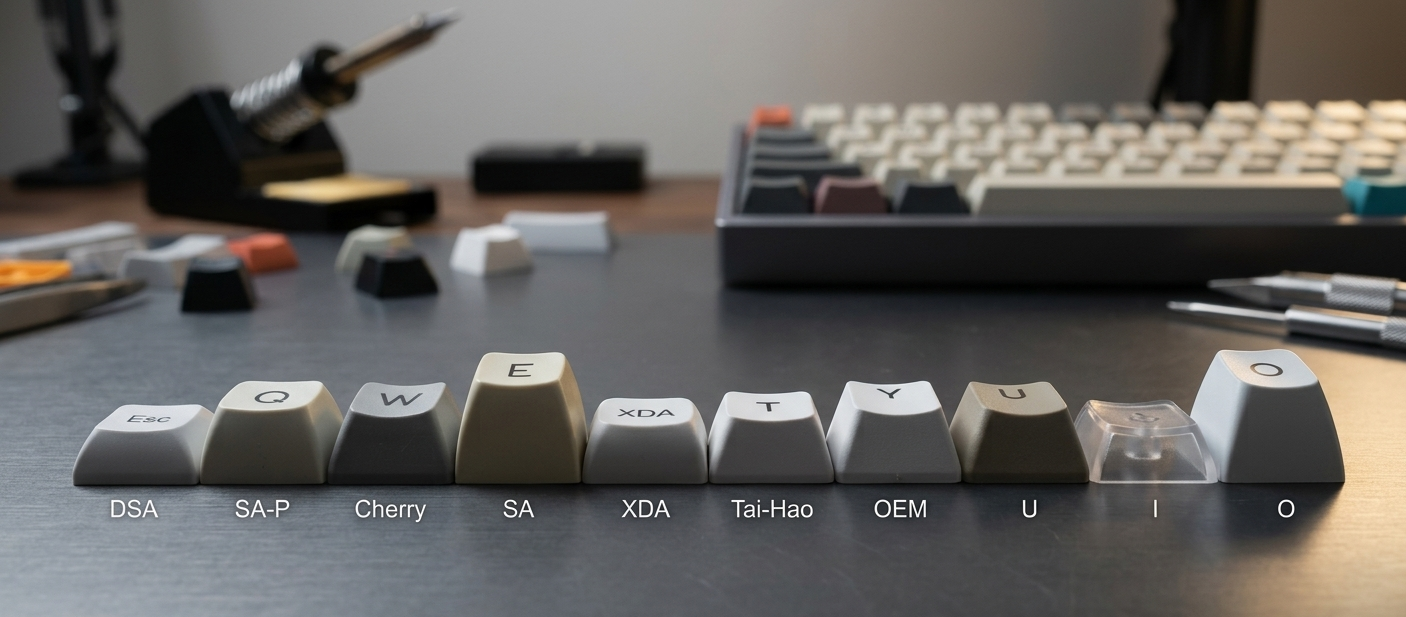
Typing Feel
How your fingers move across rows while typing.
Cherry Profile
A lower, sculpted profile with a clean look and comfortable daily typing feel.
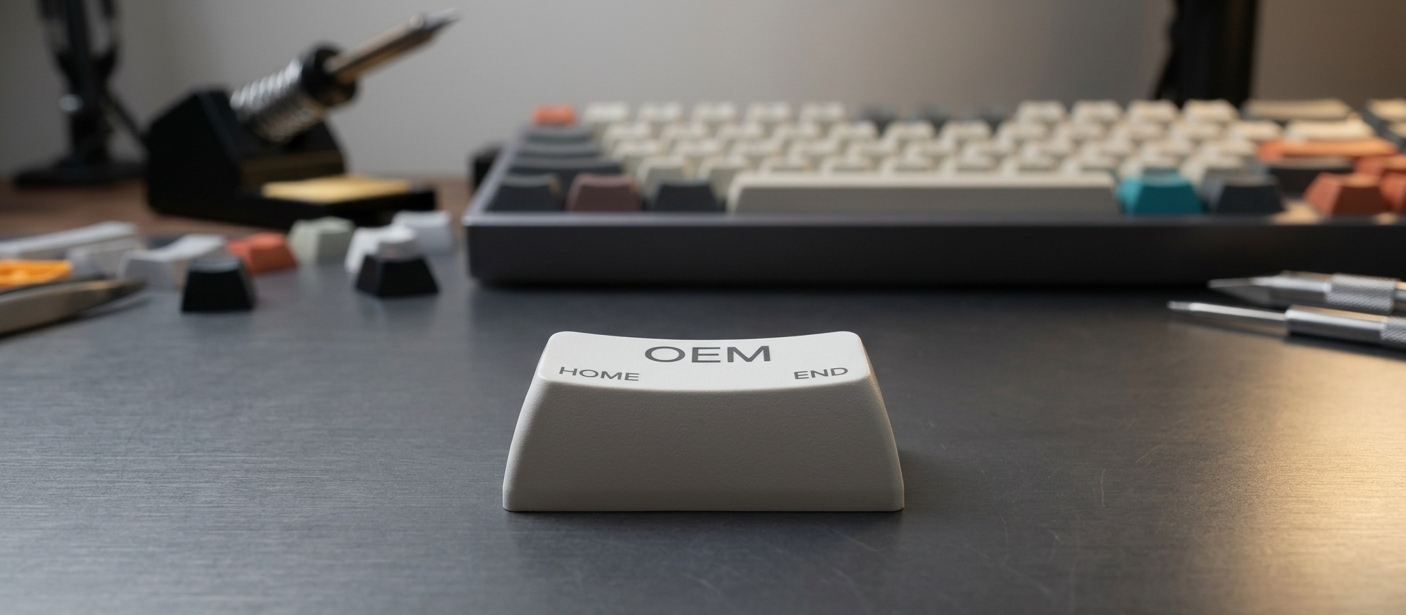
OEM Profile
A common medium-height profile often found on many prebuilt mechanical keyboards.
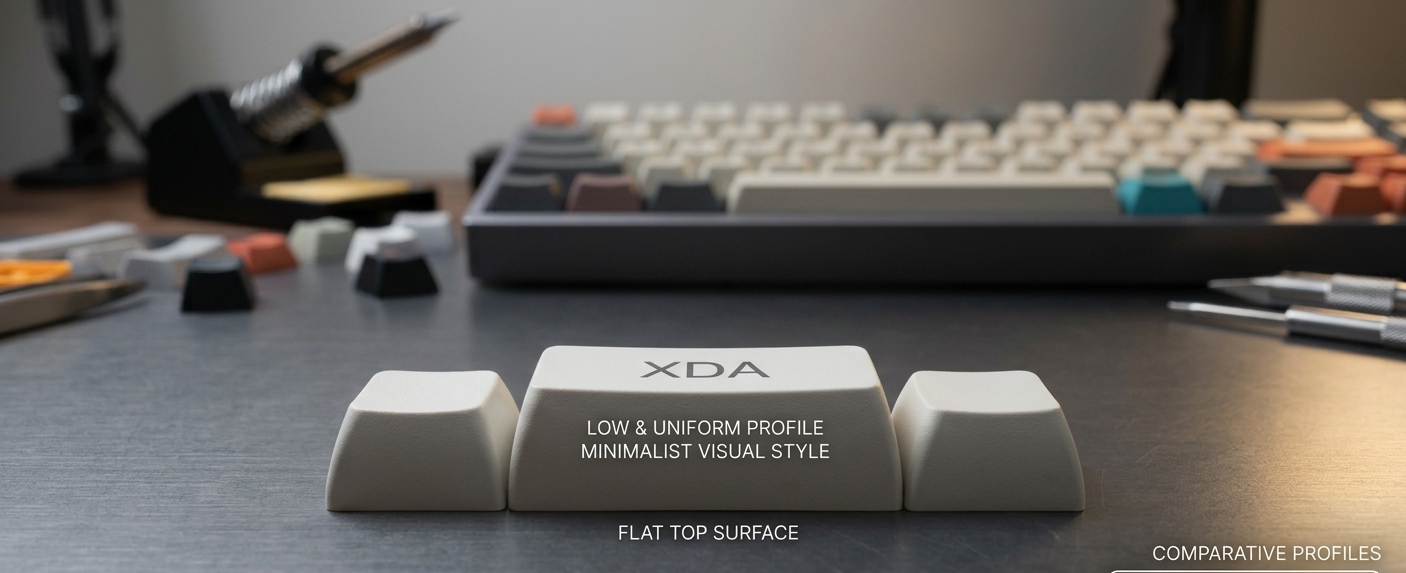
XDA Profile
A low, uniform profile with a flat top surface and a minimal visual style.
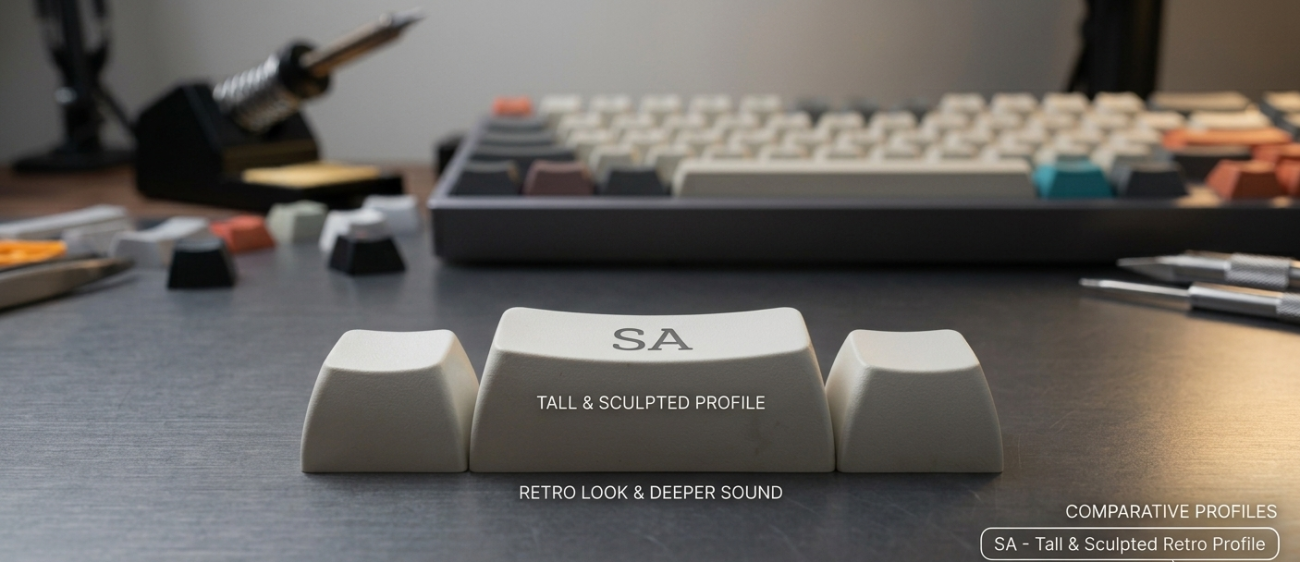
SA Profile
A tall, sculpted profile with a retro look and deeper typing sound.
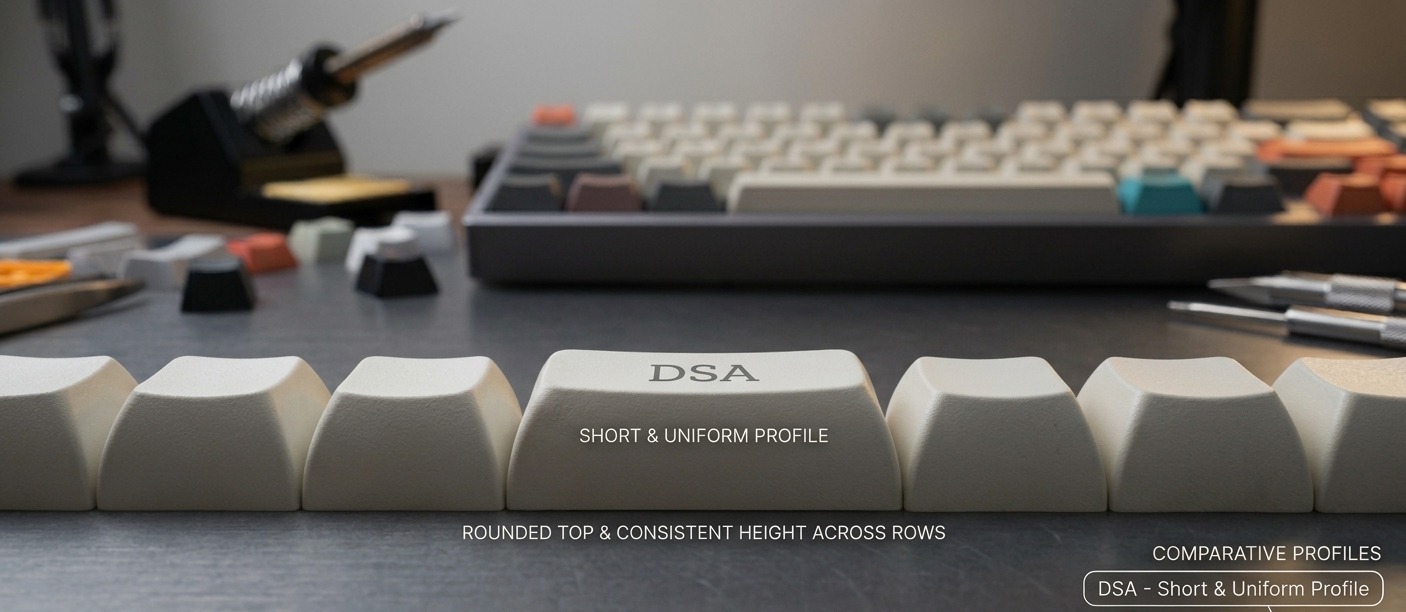
DSA Profile
A short, uniform profile with a rounded top and consistent height across rows.
Check Compatibility Before Buying
Before choosing a keycap set, check your keyboard layout, bottom row, spacebar size, enter key shape, and supported key count. Profile affects typing feel, but compatibility determines whether the set will fit your keyboard.
Keyboard size: 60%, 65%, 75%, TKL, full-size
Switch stem: MX-style cross stem
Spacebar length
Bottom row layout
Enter key shape
Number of keys included