
Why Layout Compatibility Matters
Layout Compatibility
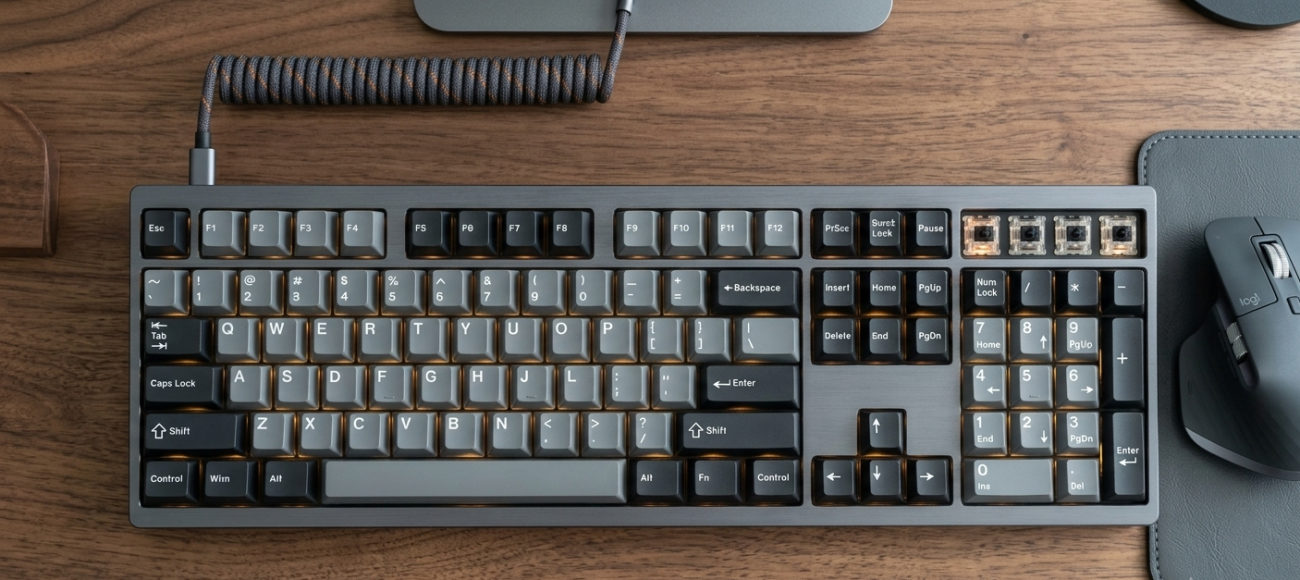
Why Layout Compatibility Matters
Not every keycap set fits every keyboard. Even if the profile and switch stem are correct, different keyboard layouts may use different key sizes for the spacebar, Shift, Enter, and bottom row keys.
Keyboard Size
60%, 65%, 75%, TKL, and full-size keyboards use different key counts.
Bottom Row
Some keyboards use non-standard Ctrl, Alt, Win, and spacebar sizes.
Special Keys
Shift, Enter, Backspace, and arrow keys may vary by layout.
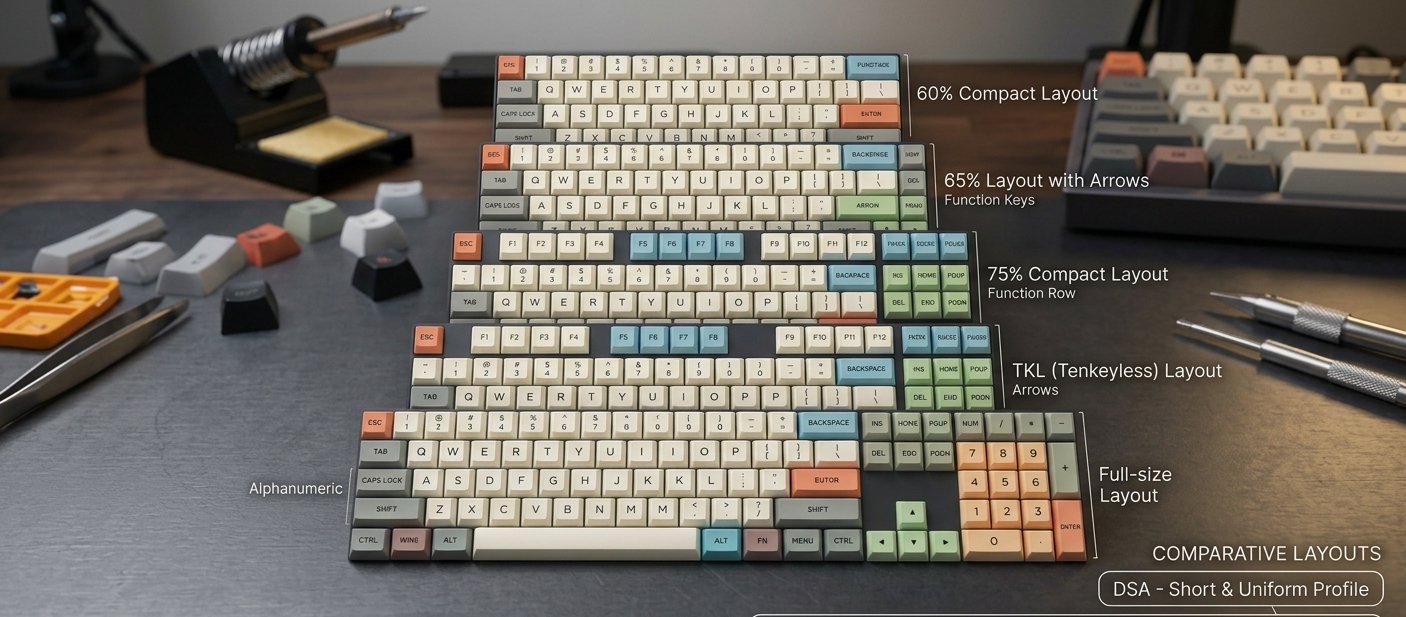
Introduction to Common Keyboard Sizes
The following is a brief overview of common keyboard sizes.
60% Keyboard
A compact layout without function row, arrow keys, or number pad. Popular for minimal desk setups.
65% Keyboard
A compact layout with arrow keys and a few navigation keys. A popular balance between size and usability.
75% Keyboard
Keeps the function row and arrow keys in a compact layout. Check right-side key spacing carefully.
Compatibility Checklist
Check your keyboard size: 60%, 65%, 75%, TKL, or full-size.
Confirm your switch stem type is MX-style cross stem.
Check your spacebar length.
Check your bottom row layout.
Check your Shift key sizes.
Check your Enter key shape.
Check whether your set includes arrow keys and function row keys.
How do I know my keyboard layout?
Check your keyboard product page or count the keys. Common layouts include 60%, 65%, 75%, TKL, and full-size.
What is the most common spacebar size?
Many standard keyboards use a 6.25u spacebar, but some custom keyboards may use 7u or split spacebars.
Will MX-style keycaps fit my keyboard?
They fit switches with MX-style cross stems, but you still need to check key sizes and layout compatibility.
What should I do before ordering?
Check your keyboard size, bottom row, spacebar, Shift keys, Enter key, and whether the set includes the keys you need.